Connect Pico to Computer
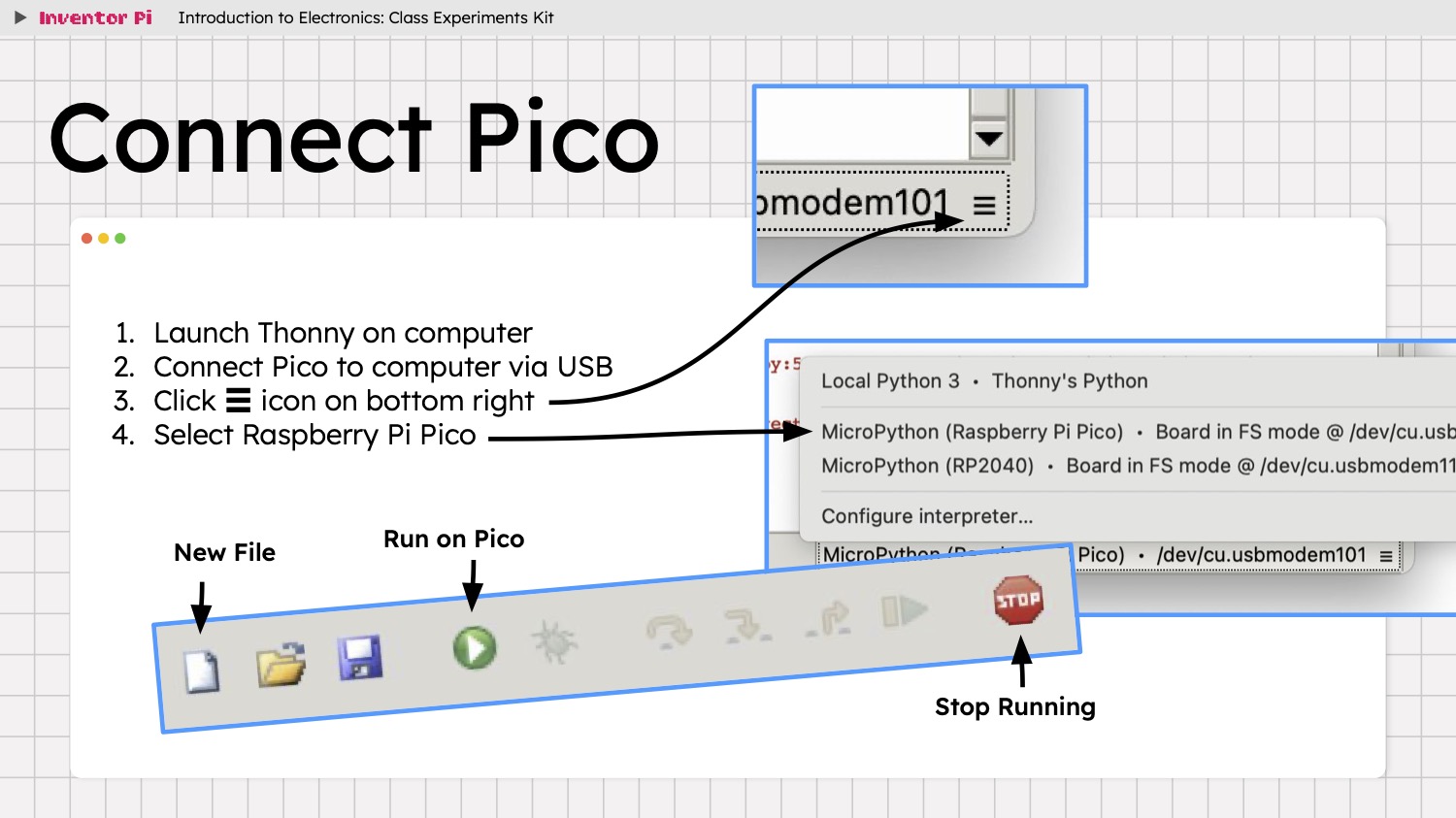
Connect the Pico to the computer by connecting the USB cable to the Micro USB port on Pico 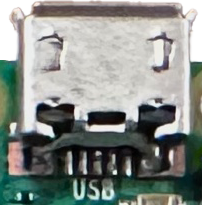 and any USB-C or USB-A port on the computer. You can use the USB-C to USB-A adapter from the battery pack if your computer does not have any USB-C ports. Every time you connect the Pico, wait a few seconds, then expand the menu ☰ icon at the bottom right of the Thonny window, and select MicroPython (Raspberry Pi Pico) from the menu.
When connected successfully, the shell window at the bottom ends with the >>> prompt.