Install Thonny App
Installation Steps
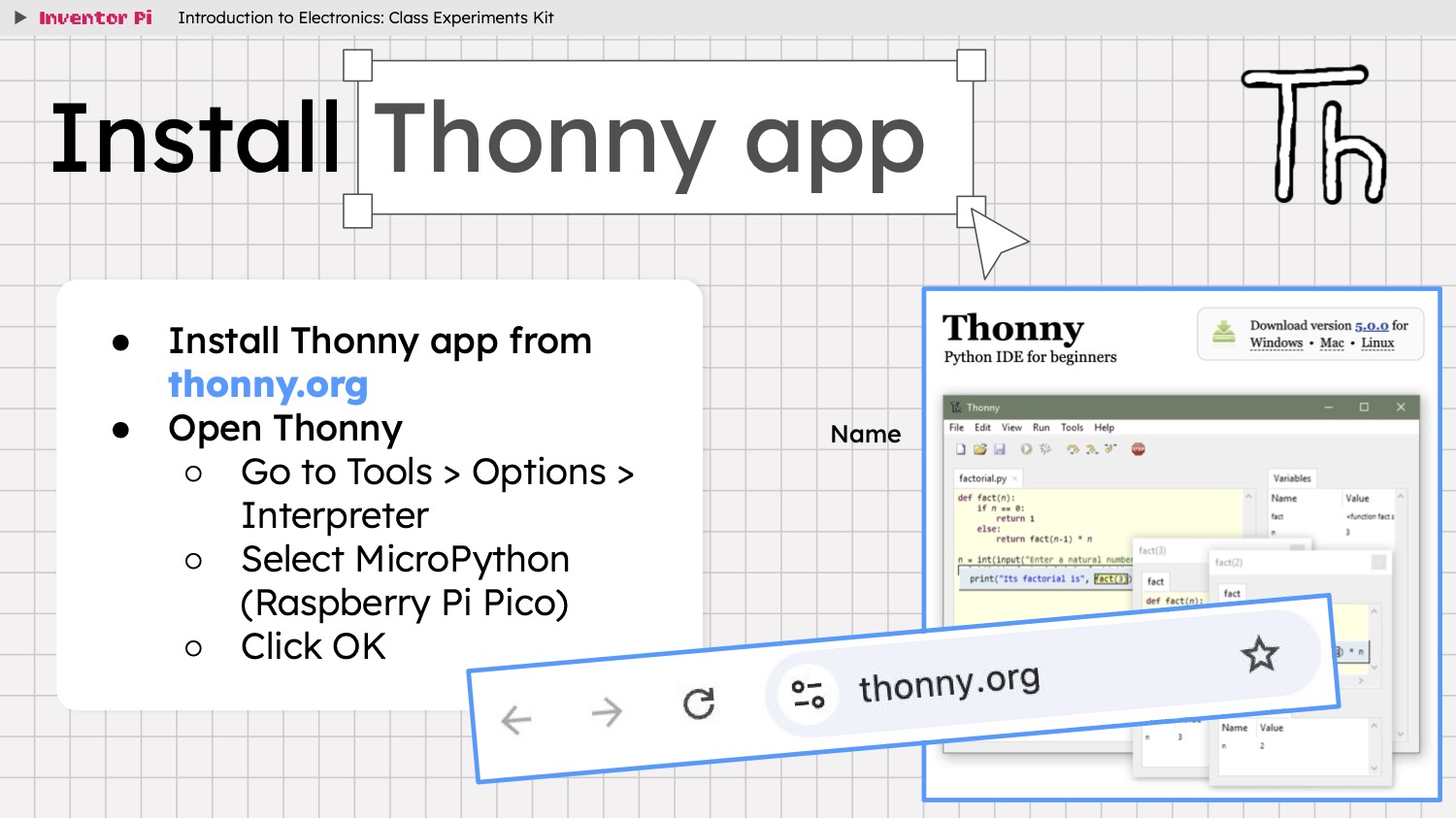
- Download and Install Thonny (with Python) from thonny.org
- Choose the Installer with Python for your Operating System and Processor (the best option should already be highlighted as recommended for you)
- If you are using MacOS, and it blocks the installer, go to System Settings > Privacy & Security and click Open Anyway
- To setup Thonny for first use, launch Thonny app, choose Tools > Options from the menu, select the Interpreter tab, select MicroPython (Raspberry Pi Pico) from the drop down and click OK